Pulsar 26.9.1: One Theme for the Whole Desktop
Pulsar, my nightly-built Fedora Silverblue desktop, gets its first numbered release: a theme engine that recolors the shell, apps, terminal and wallpaper in one step, translucent shell menus, and 20 themes.

Pulsar is the Linux desktop I use every day, including on the machine this site is built on. It’s an image-based system on Fedora Silverblue 44. The whole OS is one bootc image, rebuilt every night, and if a new build fails to boot, the machine goes back to the previous one on its own. It’s free, MIT-licensed, and on GitHub.
Until now Pulsar only had nightly build ids. Today it gets its first release number, 26.9.1, which covers about a month of work. Most of that work went into how the desktop looks.
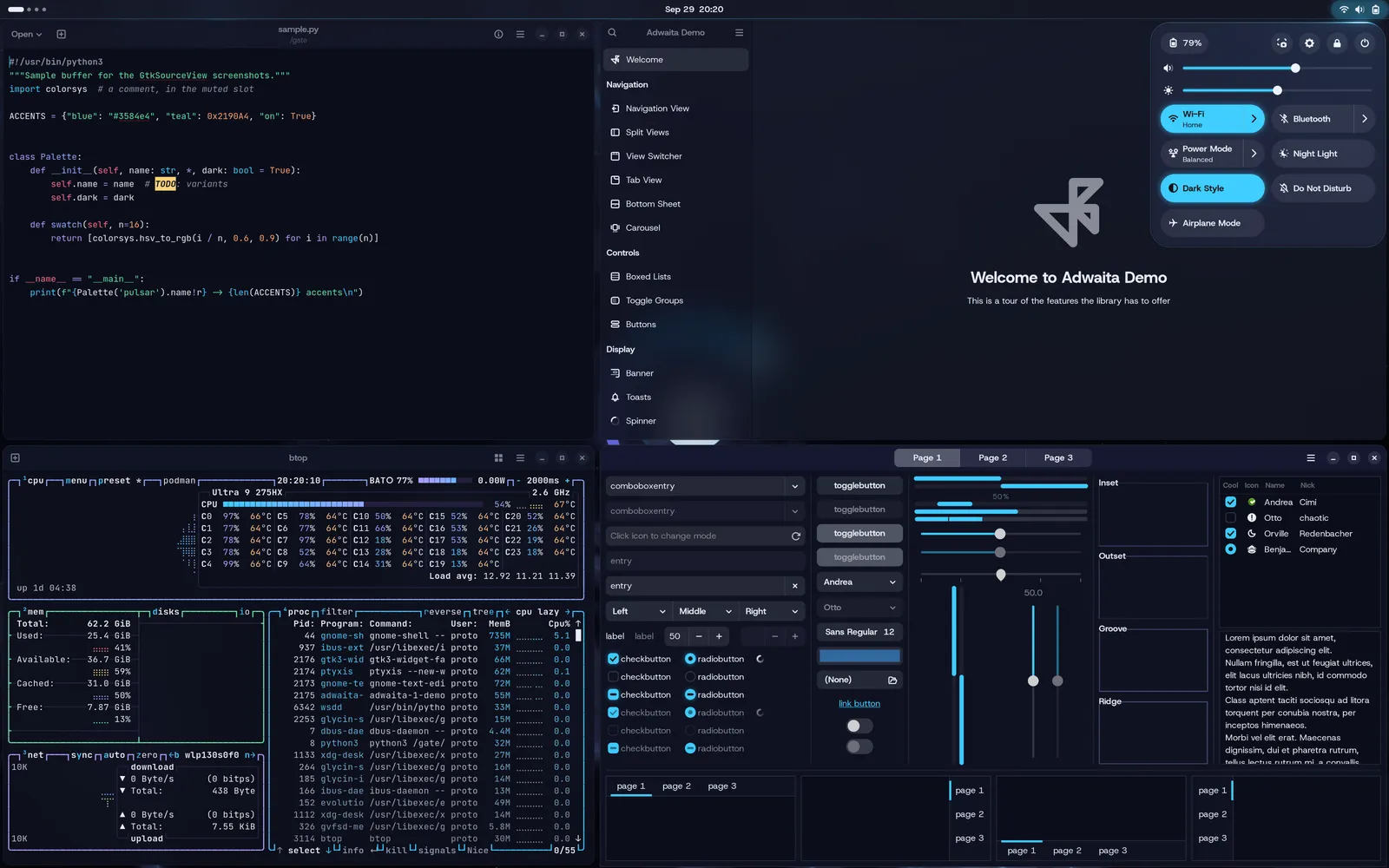
Release numbers
Releases are numbered by year, month, and a counter, so 26.9.1 is the first release of September 2026. The nightly build id carries on next to it. Tonight’s build, the first to include 26.9.1, reports itself as Pulsar 26.9.1 (44.20260930.0), where 44 is the Fedora release. Machines that haven’t updated yet still say 1.0.
One command themes everything
Theming GNOME usually means changing the shell, GTK 4, GTK 3, the terminal, the editor, and the wallpaper one at a time, and then finding the app that didn’t pick it up. Pulsar’s theme engine is now on by default and does all of it at once:
pulsar theme set tokyo-night
That recolors GNOME Shell, GTK 4 and GTK 3 apps, Flatpak apps, the Ptyxis terminal, Text Editor, btop, and coding agents like Claude Code, Gemini CLI, and opencode. There’s also a Themes app in the app grid (Super+T) if you’d rather click. pulsar theme revert puts stock GNOME back exactly as it was, and pulsar theme import base16 turns any base16 or base24 scheme into a theme of your own.
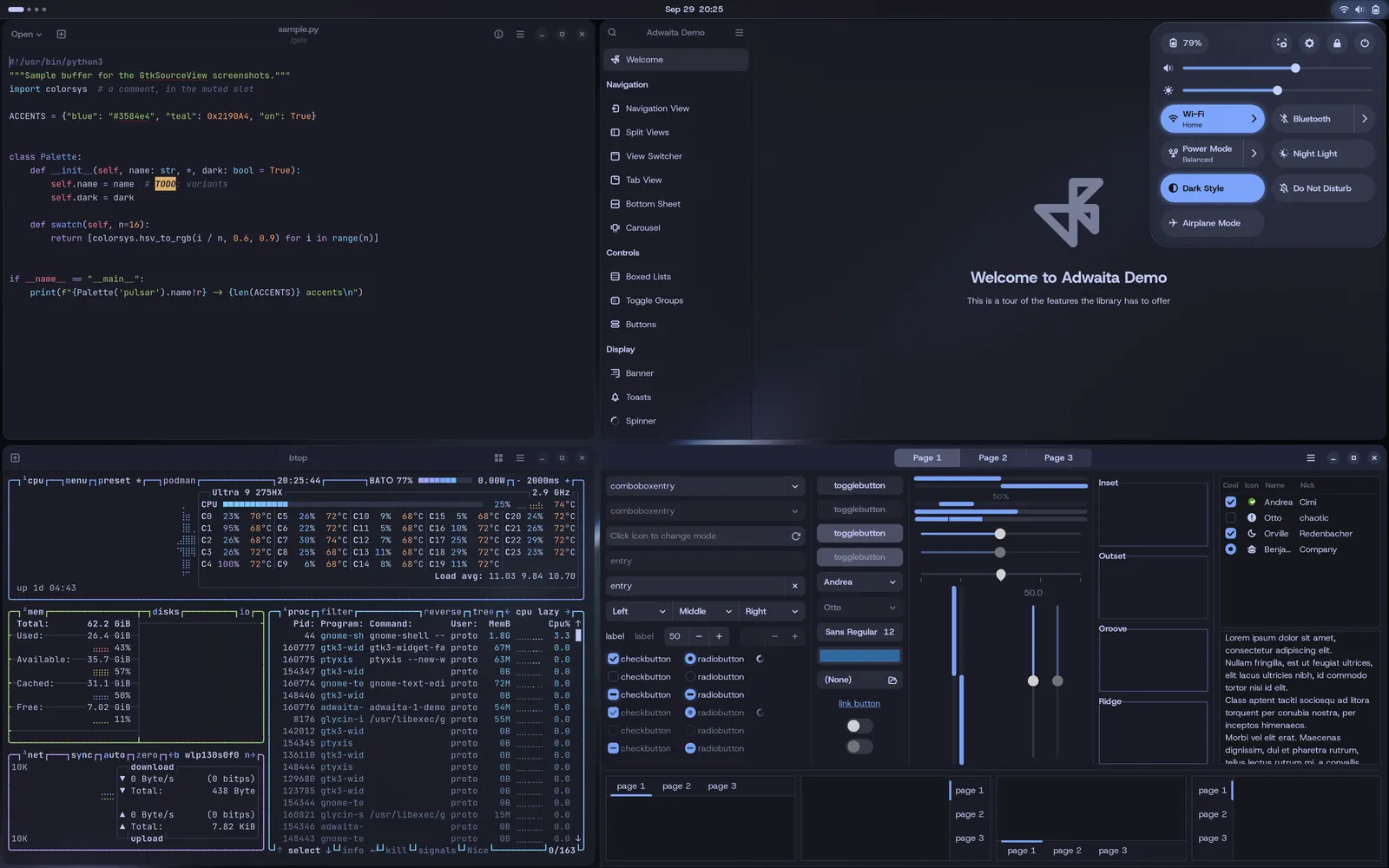
There are 20 themes now, up from 16. The four new ones are One, Oxocarbon, Poimandres, and Synthwave ’84. Wallpapers aren’t stock photos. Pulsar renders them from its own shaders in each theme’s colors, and each theme picks one of eight looks: Nebula (the default, previously called Silk), Leak, Satin, Holo, Relief, Tide, Orbit, and Beacon.
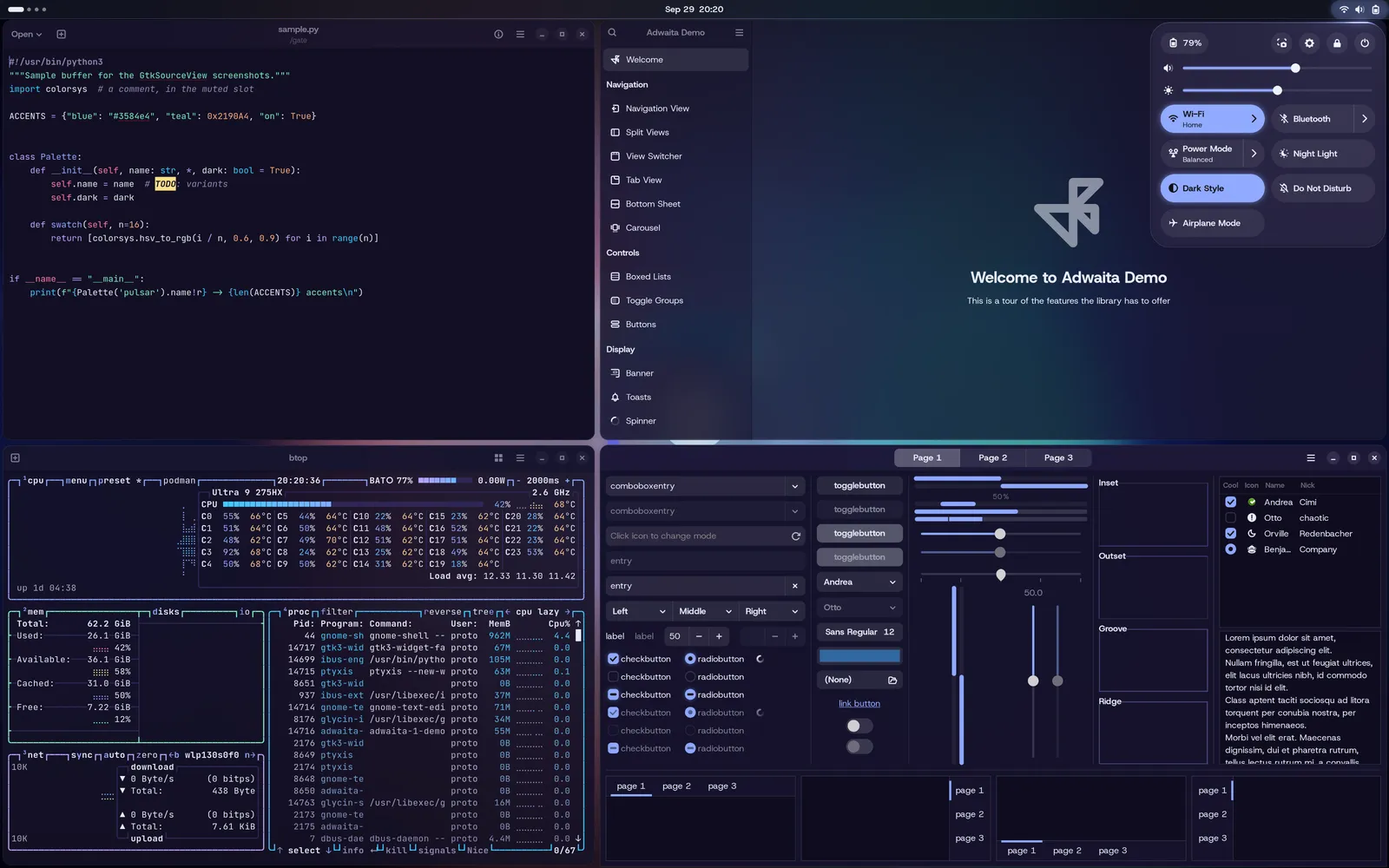
Glass
GNOME Shell’s menus, Quick Settings, notifications, on-screen displays, and top bar can now be translucent and lit, which you can see in the Quick Settings panel in the screenshots above. App windows can optionally be slightly translucent as well. Both switches are in the theme picker.
Coding agents
I built Pulsar to be safe to hand a coding agent, and this month added most of what that takes:
- An
AGENTS.mdin the OS image that explains to an agent how an image-based system works: what’s read-only, where packages go, and what it shouldn’t touch without asking. pulsar setup agent, which installs an agent CLI in its own toolbox.- A sandbox that shows the agent only the project it was started in.
- A local model running on the machine’s GPU.
pulsar report, which writes one redacted report you can paste into a bug thread.pulsar checkpoint, which snapshots/etcbefore a session that might change it.- GPU access for containers through CDI.
Games and the rest
Gaming defaults got tuned this month, including MangoHud for Flatpak games. gamescale, which gives games the screen’s real resolution under fractional scaling, is at v2.0.2 for GNOME 50.
Smaller changes:
- A new logo and a welcome screen on first login.
- A video player and a music player in the default apps.
- Hardware video decoding on AMD.
- Brand wallpapers now ship as JPEG XL.
- A fix for laptop suspend with the NVIDIA 615 driver, in tonight’s build.
What’s next
Pulsar is in maintenance mode from here. My time goes into the unattended nightly path, the part that keeps a machine updated and bootable with nobody watching, more than into new interactive features.
Getting it
There are two images. Pulsar is for Intel and AMD graphics. Pulsar for NVIDIA has the driver built in and keeps Secure Boot on through a one-time key enrollment, which GNOME Software can prompt you for. The x86_64 ISOs are rebuilt weekly, and their checksums are signed with cosign.
Install instructions are at getpulsar.dev, and the full notes for this release are in the release docs.
Content may be edited with the help of AI. All content has been reviewed by a human before being published.
Have a project in mind?
I design and ship custom software — from early concept to production. Tell me what you're building and we'll figure it out together.